
Naming
Use AI Name safely
Configure Gemini, build a focused prompt, review validated suggestions, and control local learning.
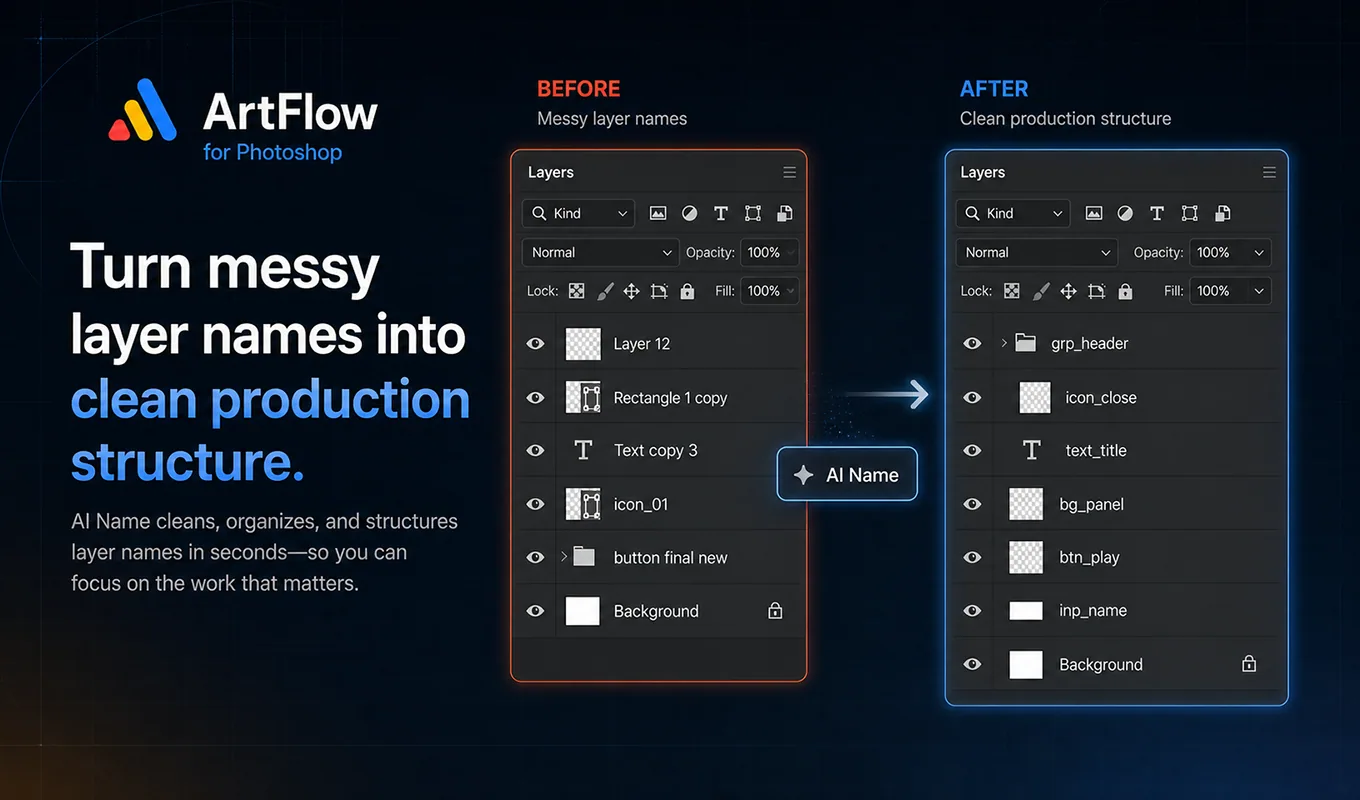
What AI Name does
AI Name exports temporary visual context for the layers in scope, sends the requested batch to Gemini, validates the returned names, and places acceptable results in the rename preview. Gemini output is never treated as ground truth.
Use AI Name when the visual role is clear but naming many layers by hand would be slow. Use Manual Name when the required transformation is deterministic.
Configure Gemini
- Open Settings.
- Paste a Gemini API key into the Gemini section.
- Choose Save API.
- Return to AI Name.
The key belongs to the user and is stored in local UXP storage. If no key is available, AI Name cannot call Gemini, but every non-AI workflow remains available.
Choose the naming mode
- UI mode applies ArtFlow’s production naming contract for Unity-oriented UI.
- Other mode is less strict and suits artwork that does not belong to the Unity UI pipeline.
UI mode expects lowercase snake_case, prefix-first names, valid roles, and unique results. For example, use btn_close, not close_button.
Build a useful prompt
Enter a short project brief that describes observable context, not imagined gameplay:
Mobile puzzle settings screen. Name sound, music, vibration,
restore purchase, home, restart, and close controls.
Generate or build the full prompt, inspect it, and save it as a prompt preset only if the convention will be reused. Avoid instructions that conflict with the active naming profile.
Select model and batch size
Smaller batches are easier to review and usually cheaper to retry. Start with 3–10 layers.
| Choice | Practical use |
|---|---|
| Lite / Flash | Routine visual naming and lower latency |
| Pro | Ambiguous compositions where extra reasoning is worth the quota |
| Batch 1–5 | Careful review or difficult layers |
| Batch 10–20 | Repeated, visually clear assets |
| All | Only after testing the prompt on a smaller sample |
Enable split batch on failure so a failed large request can be retried in smaller units. Do not use deep group renaming until you have checked how the PSD hierarchy is scoped.
Run and review
- Select the intended layers, or deliberately enable the whole-PSD scope.
- Keep Preview enabled.
- Choose Run AI.
- Wait for export and request progress to finish.
- Inspect every proposed name and warning.
- Correct weak results manually or clear the preview.
- Apply only the accepted set.
Warnings cap confidence and prevent unsafe auto-application. Technical blockers include invalid characters, impossible role/prefix combinations, and unresolved duplicates.
Local learning
Learning off preserves the original AI workflow and writes no learning record.
Learn locally allows valid, explicitly accepted corrections to improve reranking on similar future layers. Memory never overrides the validator or project profile. Applying a name alone is not enough; learning must be enabled and the final name must pass validation.
Use the confirmed-name controls when you intentionally want to mark or unmark approved naming examples. Export memory, audit, or replay data when diagnosing behavior; do not publish those files if they contain private project names.
Quota and failure behavior
When a key returns a quota error, ArtFlow marks that key unavailable for the current run and tries another saved key when possible. If every key is exhausted, ArtFlow stops the remaining batch instead of continuing to export images or repeat failed requests.
Quota exhaustion does not mean the exported layer image caused the error. Google may assign a free-tier limit of zero to a model or project. Check the model, billing project, and current rate-limit dashboard.
Good review questions
- Does the prefix match the actual Photoshop layer role?
- Is the name based on visible evidence?
- Is a state such as
_pressedor_disabledtruly represented? - Is an icon inside a button named as an icon rather than another button?
- Does the final name remain unique within the export set?