
01
Structured handoff
PSD to Unity
Prepare naming, hierarchy intent, 9-slice data, anchors, and reusable UI assets before the handoff leaves Photoshop.
See the workflow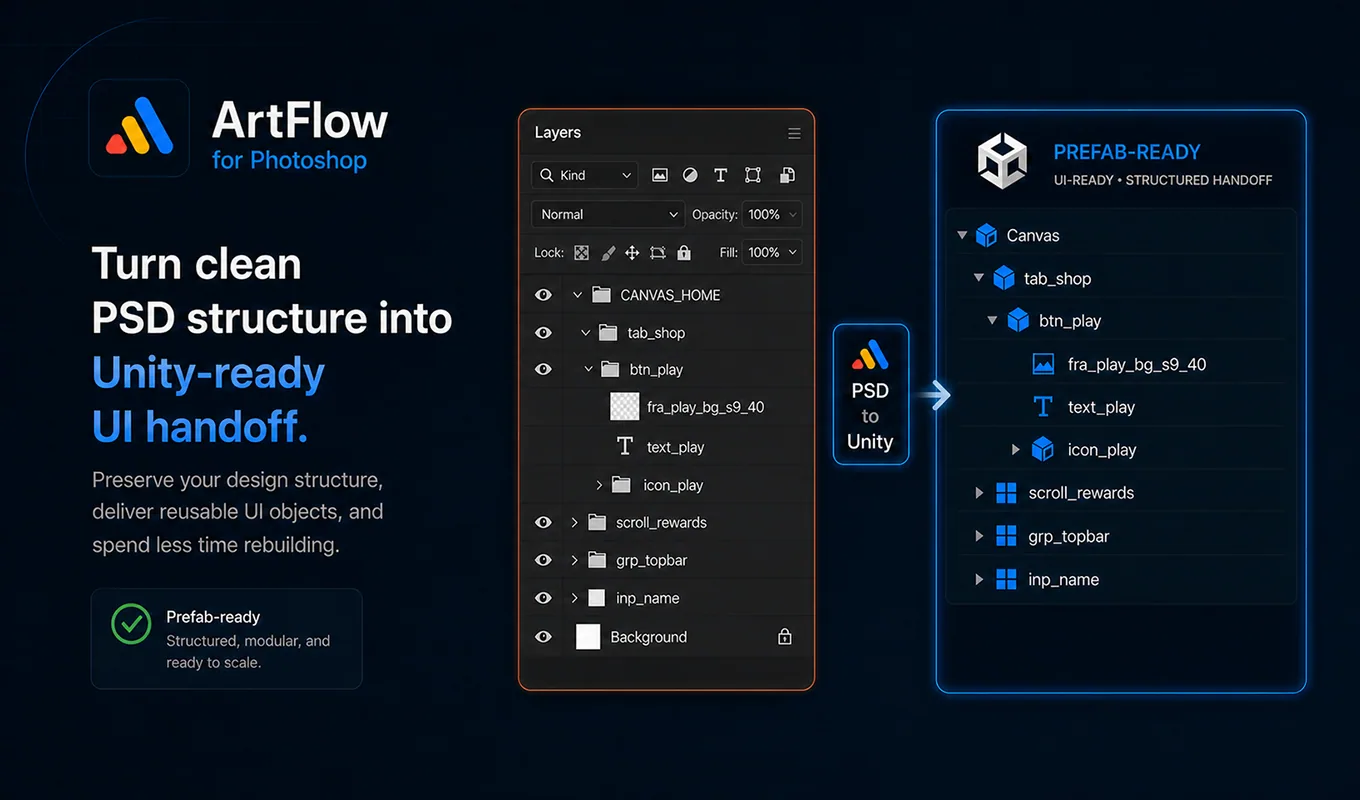
Photoshop production, connected
Reduce PSD-to-Unity rebuild work, standardize naming, and export assets with less friction.
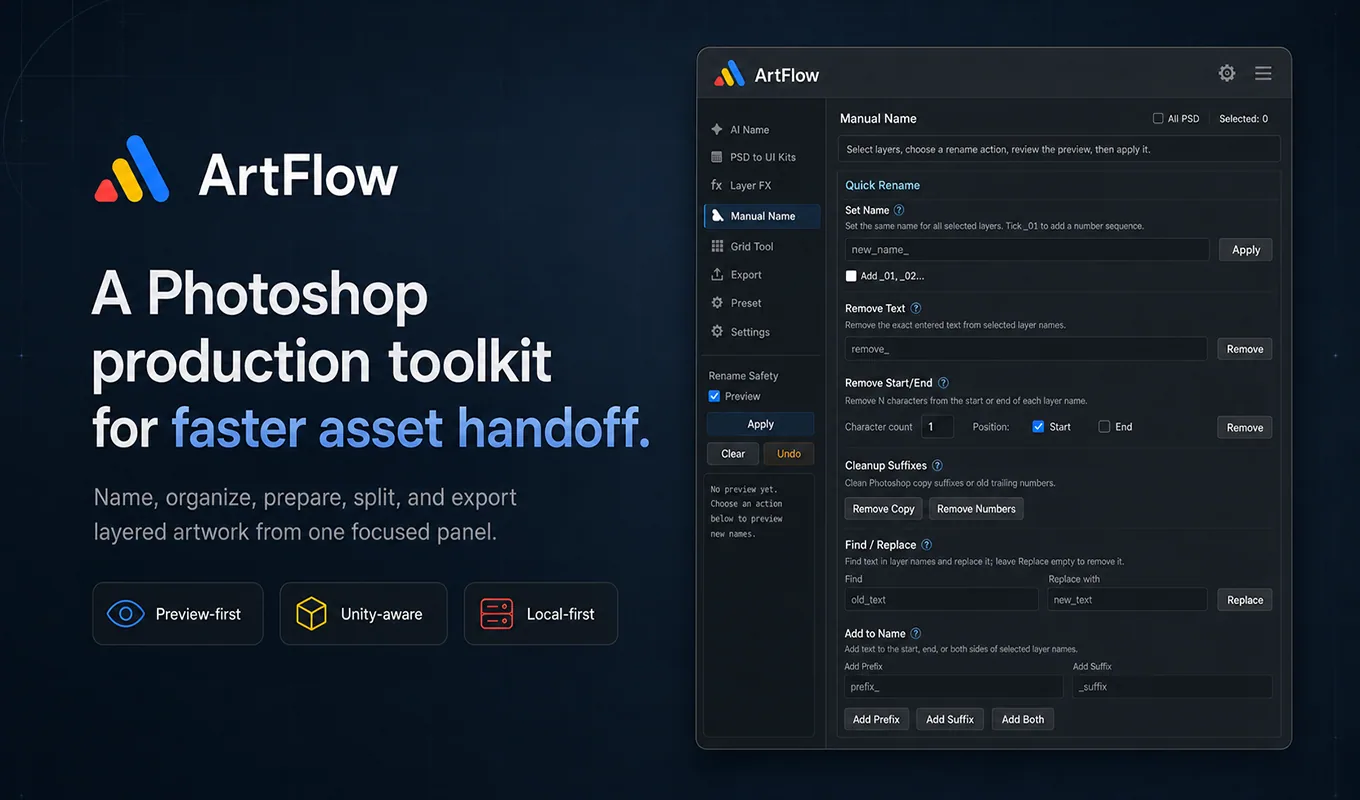
One focused panel
Production workflows
ArtFlow does not replace the artist’s judgment. It removes repeated setup around that judgment.
Structured handoff
Prepare naming, hierarchy intent, 9-slice data, anchors, and reusable UI assets before the handoff leaves Photoshop.
See the workflowControl before automation
Generate production-oriented names, inspect the result, and apply only what passes your naming workflow.
See the workflow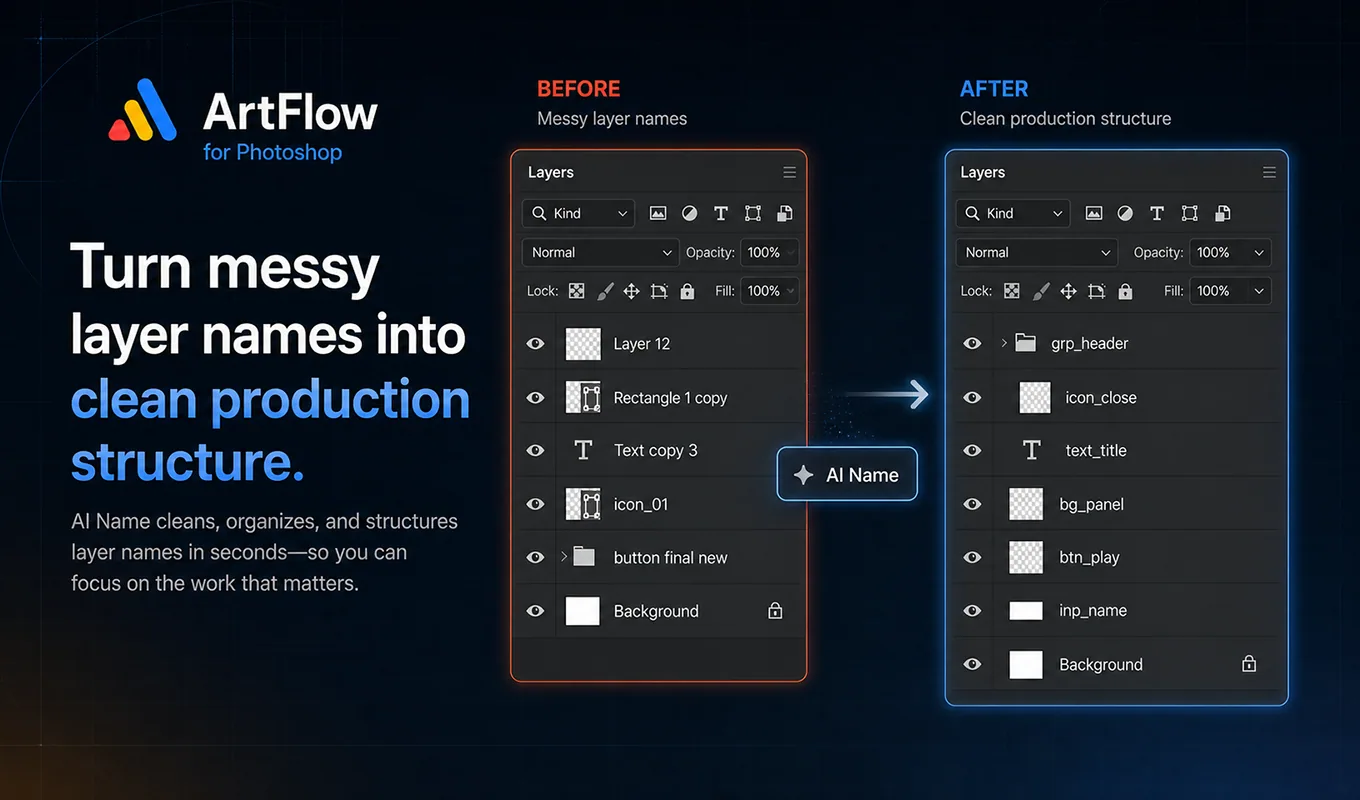
Repeat less
Batch formats, control bounds, split atlases, and optimize PNG output locally or through optional TinyPNG.
See the workflow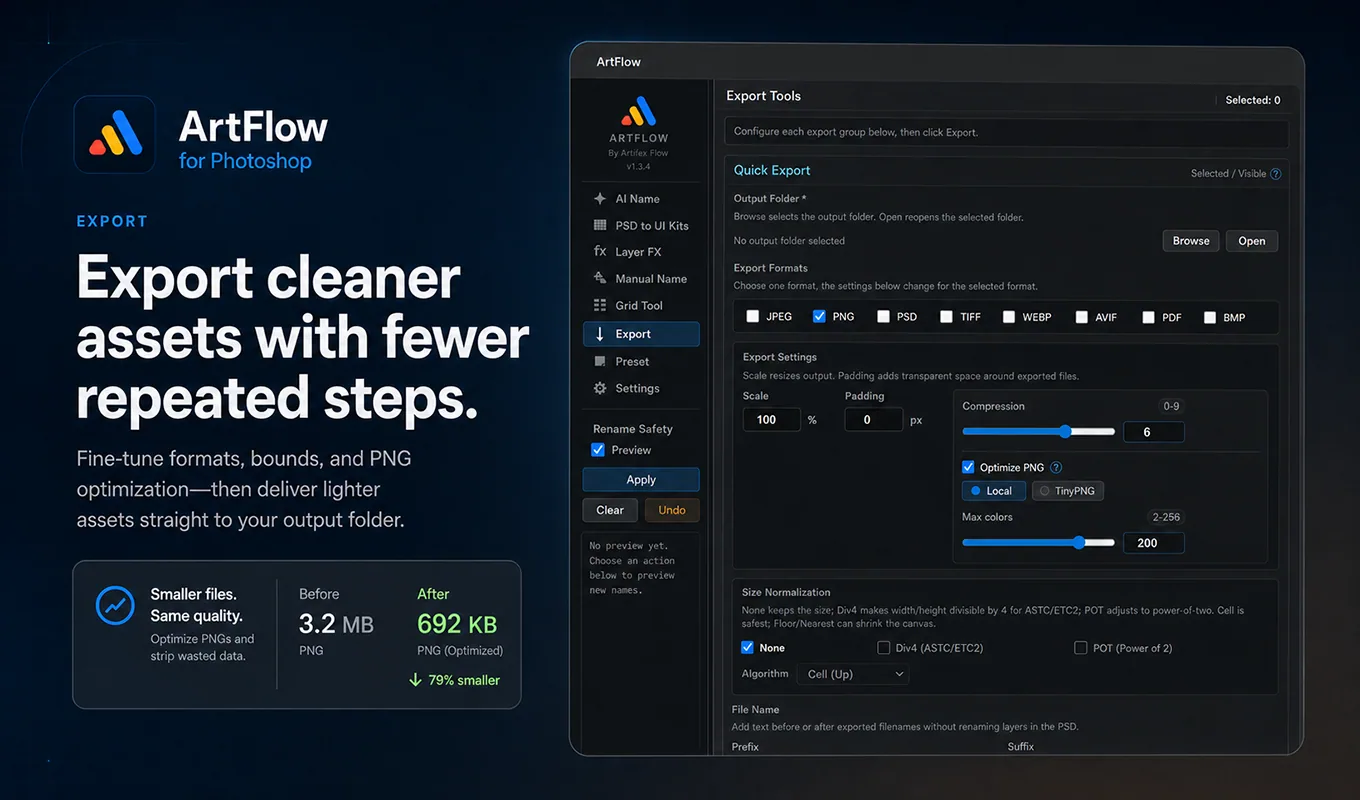
Built as a system
Clean names make handoff clearer. Better structure makes export more predictable. Presets make the next file faster.
View every capability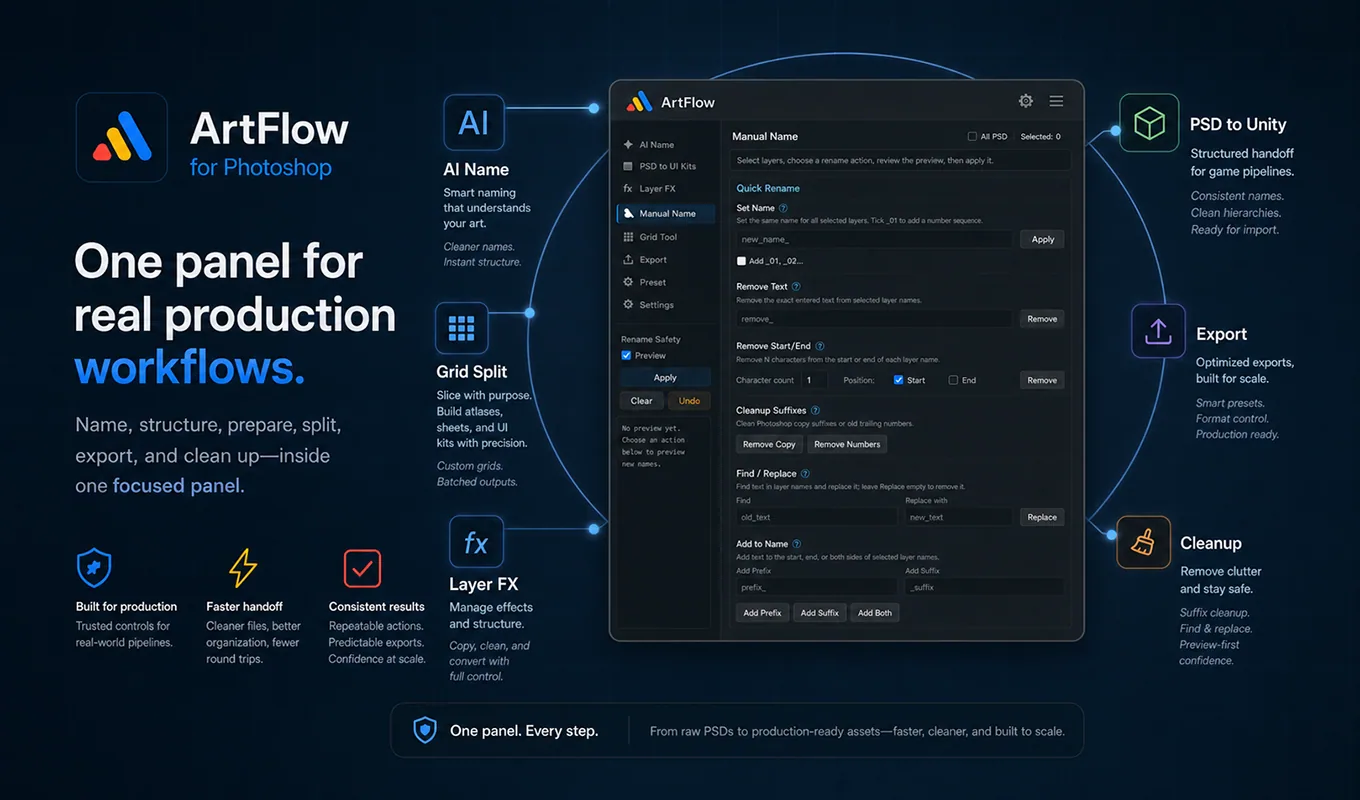
The practical layer
AI suggestions and precise manual operations share the same preview-first safety model.
Turn layer semantics into a clearer agreement between artists and downstream tools.
Reuse output decisions and keep heavy production tasks close to the artwork.
1.3.5
Current plugin version
23.3+
Photoshop compatibility
7
Production UI languages
1
Focused Photoshop panel
Ready for production
ArtFlow runs inside Photoshop and keeps non-AI workflows local by default.
Get ArtFlow